
Pirate Flag Maker: How to Design a Jolly Roger
Use a pirate flag maker to design your own Jolly Roger: black field, one white skull, real historical layouts, 2:3 proportions and a print ready export.
By the Flag Maker team
A pirate flag maker is a flag design editor you use to make your own Jolly Roger, and the recipe is short: a black field, one white symbol, no words. Set the field to black, drop a skull in the middle, size it big, and you have a pirate flag that reads from across a harbour.
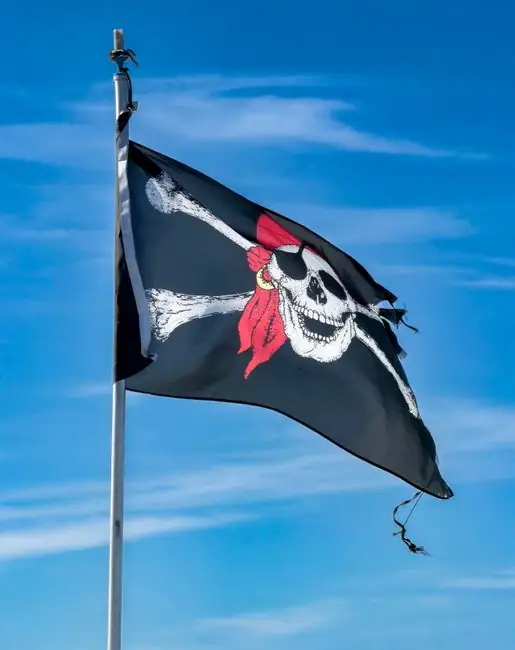
This guide covers which symbols real crews used, how to lay one out so it stays legible, and how to get it printed.
Why pirate flags read well
Black and white is the strongest contrast available to a flag. One white shape on a black field holds up at distance, in dim light, and when the fabric hangs half folded.
A Jolly Roger also carries a single charge, the heraldic word for any emblem sitting on the field. One charge, centred, nothing else competing with it.
Most weak flag designs fail because they hold too much. The pirate format leaves room for exactly one idea.
The real Jolly Rogers of Blackbeard, Rackham and Every
Jolly Roger is the general name for a pirate flag rather than one specific design. Plain black flags and plain red flags are both recorded from the golden age of piracy, and a red flag was understood as a warning that no mercy would be given.
The famous personal designs are worth borrowing, with one caveat. Most of them reach us through later books, prints and museum reconstructions rather than anything sketched from life, so treat them as tradition instead of evidence.
- Blackbeard: a horned skeleton holding an hourglass in one hand and spearing a bleeding heart with the other. The busiest of the classics.
- John Rackham, called Calico Jack: a skull above two crossed cutlasses. Blades instead of bones.
- Henry Every: a skull in profile wearing a kerchief, with crossed bones underneath.
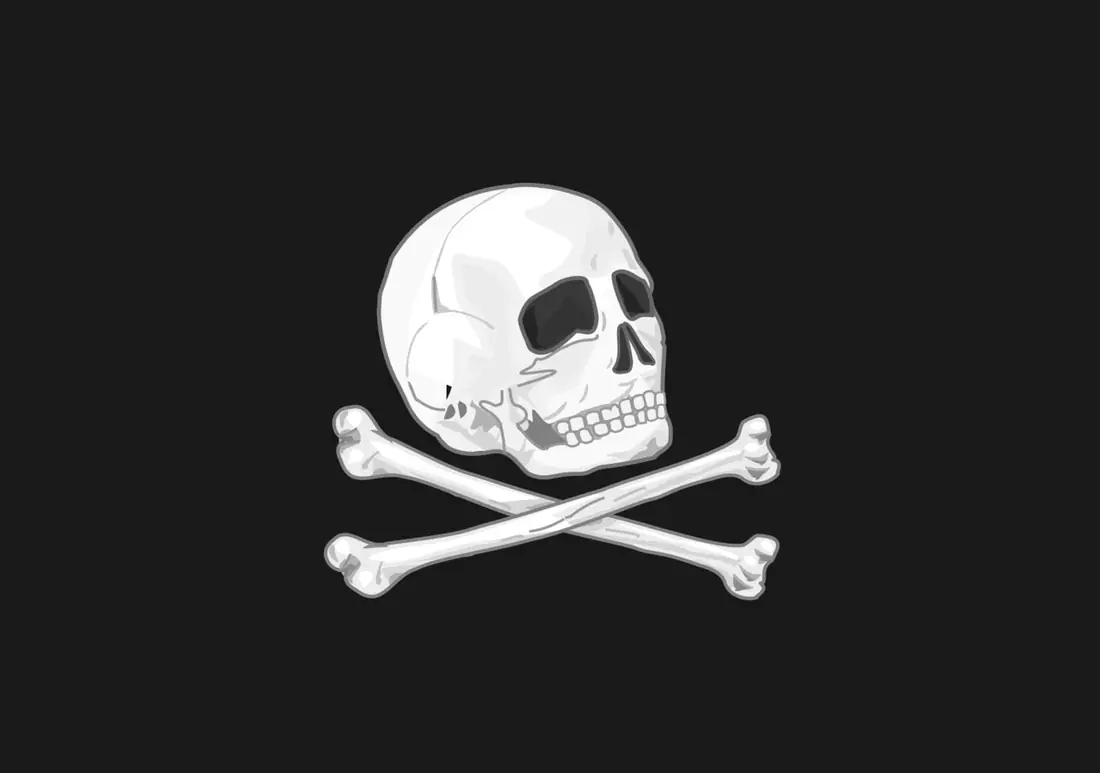
- The plain skull and crossbones, the version almost everyone pictures and the easiest to draw.
Stay inside that small vocabulary of skull, bones, blade and hourglass, and your flag looks period correct with no research.
Black field or red field
Black is the default and the safer pick, since white sits cleanly on it. Red gives you a harsher flag, but white loses punch against it and a white skull can look pink from far away. If you go red, go darker than fire engine red.
Color meaning on flags is mostly convention, and official explanations differ from country to country. The guide on what flag colors usually stand for shows how loose those readings are.
Choosing a symbol: skull, bones, hourglass, heart
Pick one symbol. A skull with crossed bones counts as one, because the eye reads it as a unit, but skull plus bones plus sword plus hourglass is four things fighting for attention.
| Symbol | Traditional reading |
|---|---|
| Skull | death, and a crew willing to deal it |
| Crossed bones | the same threat, with a frame around it |
| Hourglass | your time is running out |
| Bleeding heart | a slow death rather than a quick one |
| Cutlass or sabre | a fight, and a crew ready for one |
| Raised glass | a toast to death, or mockery of the enemy |
These readings are tradition, not a code anyone enforced. Inside your own design you decide what the symbol means.
Laying out a Jolly Roger on a 2:3 field
- Set the proportion to 2:3, the most common national flag shape, so the flag looks like a flag. The flag ratios guide lists the other standard options.
- Fill the whole field solid black. No gradients, no texture.
- Place the symbol in the centre, or nudge it toward the hoist if you want it visible while the flag hangs slack.
- Scale it until it fills roughly half to two thirds of the flag’s height. Pirate flags are bolder than people expect.
- Keep a clear margin on all four sides. The hoist edge disappears into the hem, and the fly edge frays first.
- Shrink the preview to thumbnail size and squint. Whatever vanishes was too thin, so thicken it or cut it.
Thin lines are the one real trap. A hairline jaw or a one pixel sword edge looks sharp on screen and disappears on fabric.
Crew flags for One Piece fans and tabletop campaigns
In One Piece every crew flies its own Jolly Roger: the same skull, marked with one thing only that crew has. A straw hat, a nose, a pair of goggles. Copy the method rather than a published crew’s flag and you get a mark that is yours to print.
The same trick builds a pirate faction for a campaign. Give the fleet one base skull, then change a single detail per captain so the flags read as related. House, faction and guild banners goes deeper on sets of flags that share a family resemblance.
If your pirates belong to a nation, a free port or a rebel republic, that nation needs its own flag, built on different habits from a Jolly Roger. See how to make a flag for a fictional country, or the short version in the answer on fictional country flags.
Printing a pirate flag for a boat, party or wall
Export at the size the printer asks for, not at screen size. Custom flag printing covers resolution, fabric and single versus double sided orders.
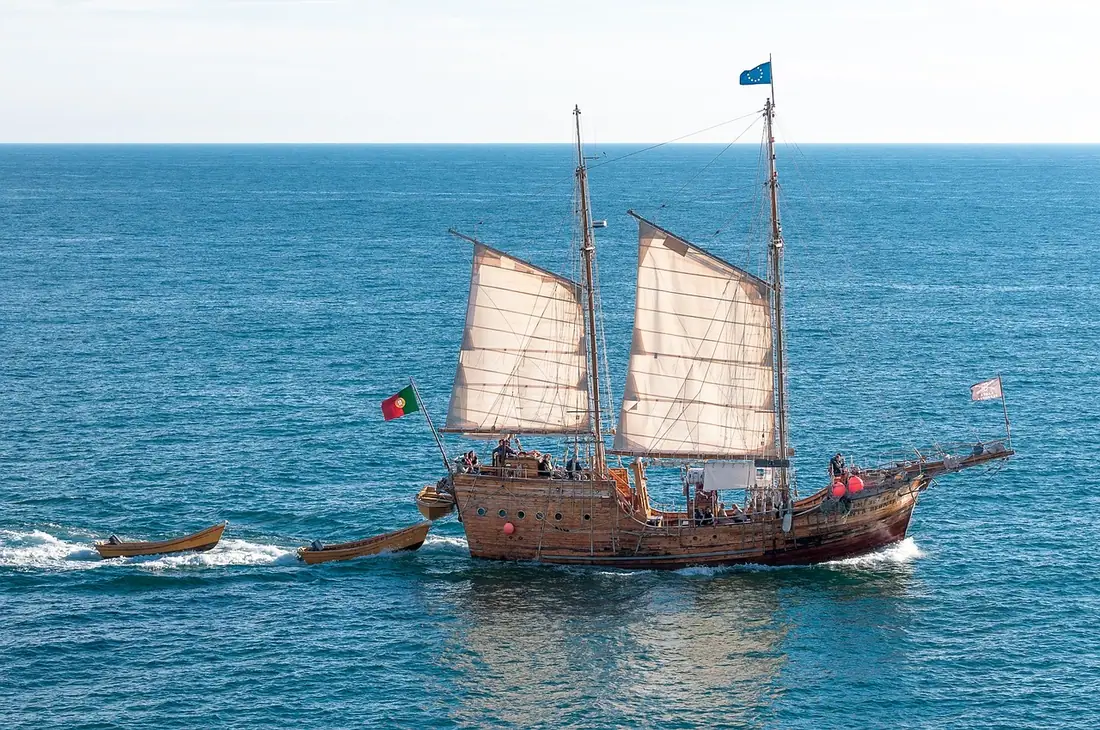
One detail matters here. A front facing skull is symmetrical, so it looks the same mirrored on the back of a single sided flag. A skull in profile, an angled sword or any lettering reads backwards from behind. Front facing skulls save you the cost of a double sided flag.
Design yours in Flag Maker
Open Flag Maker, set the field to black, add your skull, then export a PNG or SVG when it looks right. It is free, it runs in the browser, and a Jolly Roger takes about two minutes.
Frequently asked questions
What is a Jolly Roger?
Jolly Roger is the general name for a pirate flag, most often a black field with a white skull on it. The name covers the whole family of designs, from the plain skull and crossbones to the horned skeleton attributed to Blackbeard. The origin of the phrase itself is disputed, and no single historical flag owns the title.
Is it legal to fly a pirate flag?
Decorative pirate flags are sold and flown almost everywhere, and designing one is not a problem. On a boat it should never replace your national ensign, because that is the flag identifying your vessel. Local rules can also limit what you fly, since marinas, campsites, schools and homeowner associations all set their own, so check before you hoist it.
What size should a pirate flag be?
Match it to where it hangs. A 3 by 5 foot flag suits a house bracket or a party wall. Boats usually want something smaller so it does not swamp the rigging, and common small boat sizes run from roughly 12 by 18 inches up to 2 by 3 feet. Your printer's size list is the real limit.
How do I design a One Piece style Jolly Roger of my own?
Start with the skull, then add the one thing that marks your crew: a hat, a scar, a mask, a flower, a tool. That is the pattern the series uses, a shared skull with a personal detail. Keep the detail large and solid so it survives at thumbnail size, and draw your own mark rather than copying a published crew's flag.