
Flag maker upload image: how to put a logo or photo on a flag
How to upload an image into a flag maker, pick the right resolution, simplify a busy logo, place it well and export a print ready file for a 3x5 flag.
By the Flag Maker team
Use a flag maker to upload an image and you can put a logo or a photo straight onto a flag design. The upload itself is done in seconds. What decides whether the finished flag looks sharp or muddy is everything around it: file resolution, how much detail the logo carries, where you place it, and what woven fabric does to a photograph.
Uploading an image into your flag
Most editors accept PNG, JPG and SVG. Making your own flag starts with the field and the big shapes, and the image goes on top of those.
Use the biggest version of the logo you can get hold of. If someone designed it for you, ask for the vector file: .svg, .ai, .eps or a vector .pdf. Vector art is drawn with math, so it stays crisp at any size. A logo copied off a web page is often 300 to 600 pixels wide and goes soft the moment you stretch it.
PNG is the right pick for a logo that needs a transparent background. JPG is fine for a photo. Putting a picture on a flag is allowed anywhere, but what survives printing is a separate question.
What resolution you need for a printed flag
Work from the finished size, not the screen. A 3 by 5 foot flag is 36 by 60 inches. At 150 pixels per inch that is 5400 by 9000 pixels. At 100 pixels per inch it is 3600 by 6000. Shops differ on what they want, and many accept less for a flag than for a poster, because nobody views a flag from six inches away. The spec comes from the printer, so check theirs before you build the file. The pixel size of a 3x5 flag breaks the math down further.
Then size the logo itself. If it prints 18 inches wide, you want somewhere near 1800 to 2700 real pixels across. Enlarging a small file just spreads the pixels out. It does not add detail that was never there.
Simplifying a detailed logo so it reads at distance
Shrink your flag preview until it is about an inch wide, then look at it. That is roughly what a person sees from across a street. Whatever disappears is dead weight.
Things to cut: the tagline under the logo, thin outlines, drop shadows, gradients, and any text smaller than the main mark. Bring the color count down to two or three. If the logo carries a busy illustration, flatten it to a solid silhouette and keep only the shape people already recognize.
Line weight matters more than anything else here. A one pixel stroke in a web logo becomes a hairline on fabric and vanishes in wind. Thicken it until it survives the squint test.
Where to place a logo: canton, centre or fly
Centre of the field is the default and the safest. One mark, plenty of space around it, readable whichever way the wind pushes.
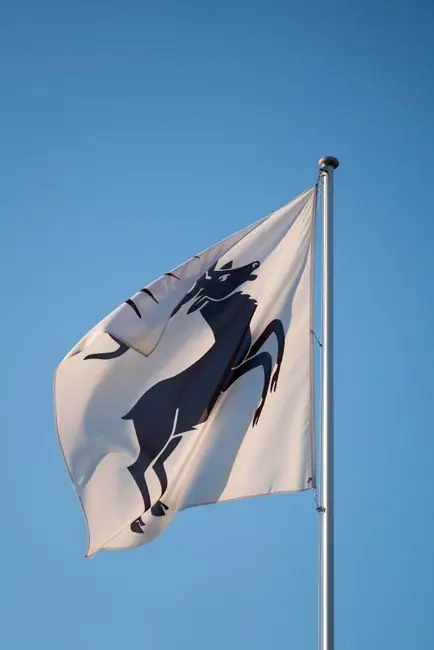
The canton, the upper corner nearest the pole, is the other strong spot. That corner stays flat and visible even when the flag hangs slack, which makes it good for a smaller badge sitting next to a larger design.
Keep detail away from the fly end. That outer edge flutters hardest and frays first, so fine lines there go first. Leave a margin on all four sides as well. The hoist edge disappears into the sleeve or hem, and a couple of inches of artwork go with it.
Photos on flags: when they work and when they do not
Photos work when one subject fills most of the frame, the contrast is strong, and nothing important depends on fine shading. A single face, a pet, a building shot straight on: those hold up.
They fail when the image is wide scenery, a group of people with small faces, or a screenshot with words in it. Flag fabric is woven and slightly translucent, so colors read softer than on a monitor and small detail blurs.
One more thing about photos. A standard single sided flag shows a mirror of the design on the back, so any writing inside the photo reads backwards from that side. If that matters, order a double sided flag, which uses two printed layers with a blocker between them and costs more.
Background removal and transparency
A logo with a white box around it looks like a sticker stuck to the flag. Export it as a PNG with a real alpha channel so the field shows through instead.
Check the cutout against a colored background, not a white one. A rough background removal leaves a pale fringe around the edges that is invisible on white and obvious on red or navy. Zoom in and clean it up, or redraw the shape as a solid silhouette.
Remember that transparency is only transparent inside the editor. Where the logo is clear, the printer puts the field color there. It is not a hole in the cloth.
Exporting a print-ready file
Export at the pixel size you worked out, in the exact ratio of the flag you are ordering, with the hoist and fly margins already built in. PNG is a safe handoff format. Ask whether the shop wants RGB or CMYK, and whether they add bleed or expect you to.
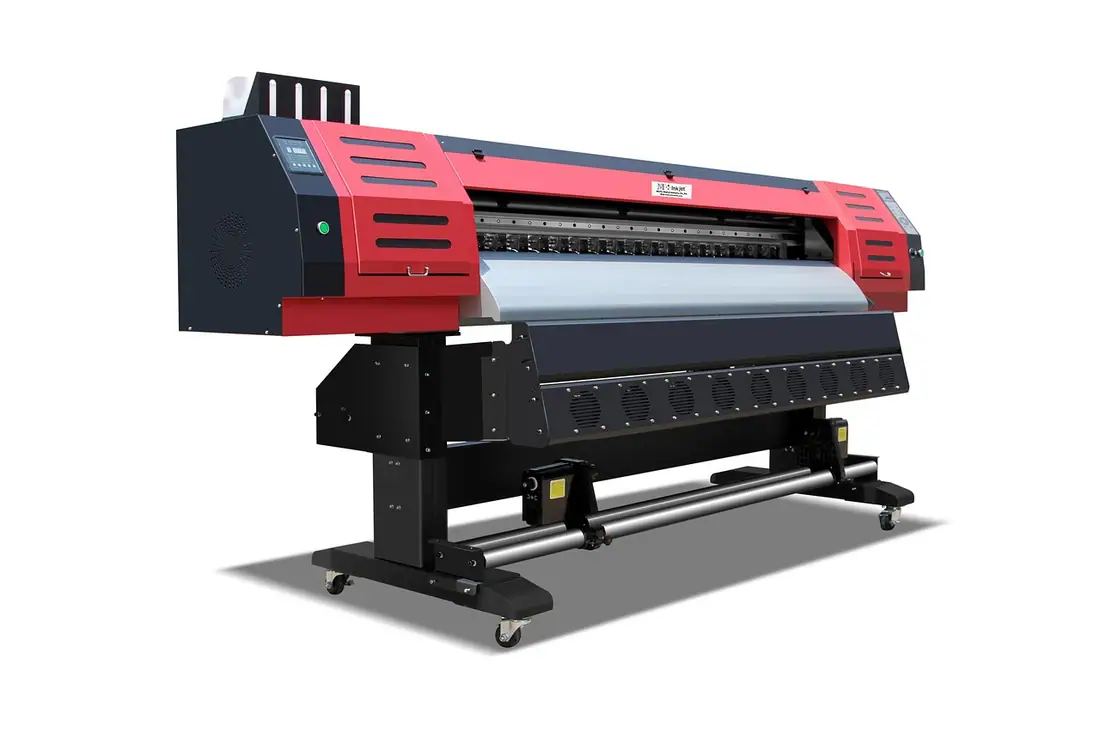
Then read the shop’s own checklist before you pay. Getting a design printed as a 3x5 flag covers sizes, materials, single versus double sided, and the files they ask for.
Try it in the Flag Maker
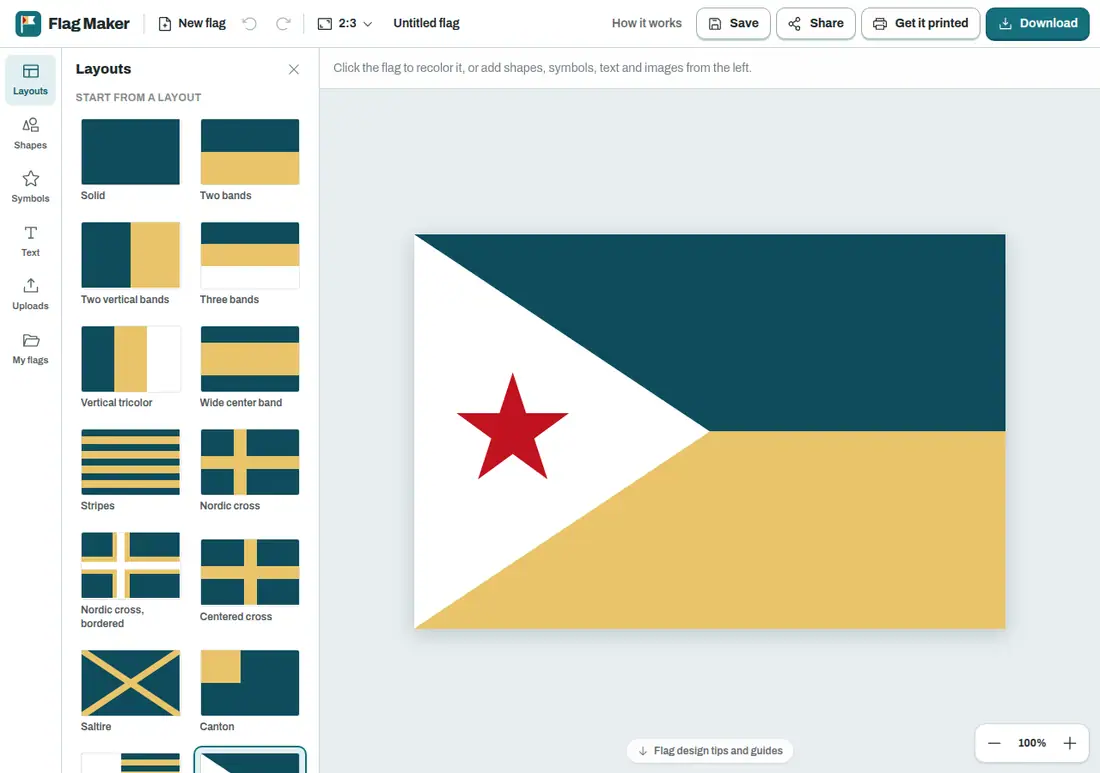
Open the Flag Maker on the home page, upload your logo and drag it onto the field. Scale it, try it centred and then in the canton, and shrink the preview before you commit to anything. It stays free to use, so test a few versions side by side.
Frequently asked questions
Can I upload my own image into a flag maker?
Yes. Most flag design editors take a PNG, JPG or SVG upload and let you move, scale and rotate it on the field. Start with the largest file you have, ideally the vector logo from whoever designed it. A small screenshot pulled off a web page will look soft once it is stretched across three feet of fabric.
What resolution do I need for a logo on a printed flag?
Work backwards from the printed size. A 3 by 5 foot flag is 36 by 60 inches, so at 150 pixels per inch the full artwork is 5400 by 9000 pixels. If your logo prints 18 inches wide, you want roughly 2700 pixels of real detail. Vector files avoid the problem because they scale without blurring.
Can you put a photo on a flag?
Sometimes. A photo with one large subject and strong contrast can work. Group shots, wide scenery and anything that depends on fine shading turn to mush at flag distance, and woven fabric softens detail further. On a single sided flag the photo mirrors on the back, so any writing in it reads backwards unless you order a double sided flag.
Where should I put a logo on a flag?
The centre of the field is the safest spot for a single logo. The canton, the upper corner next to the pole, keeps a mark visible even when the rest of the flag hangs slack. Avoid fine detail near the fly end, since that edge flutters hardest and frays first. Leave a clear margin on all four sides.