
Flag design PNG or SVG: export sizes and waving mockups
Which flag design PNG or SVG to download, export sizes for print and screen, how to build a waving flagpole mockup, and what printers ask you to send.
By the Flag Maker team
A flag design PNG is the file you want for screens, previews and most print shops, and an SVG is the file you want when the design is flat shapes that must scale without blurring. PNG stores a fixed grid of pixels. SVG stores the shapes as math, so it redraws sharp at any size.
Which one you download depends on where the flag ends up. Making your own flag is the easy part. Below is how to pick a format, what pixel sizes to export, and how to wrap a flat rectangle onto waving cloth.
PNG or SVG: which file do you need?
Pick PNG for anything that lands on a screen, and for most flag printers. Pick SVG when the design is solid colors, stripes and simple charges and you want one file that works at every size. Export both when the editor offers both, because they cost nothing to keep.
| Where the flag is going | File to use |
|---|---|
| Website, slides, social post | PNG |
| Printed 3x5 flag | PNG at full print size, or PDF if asked |
| Sticker, vinyl cutting, embroidery | SVG |
| Game or 3D texture | PNG, square |
| Desktop wallpaper | PNG or JPG at screen size |
| A design you will keep editing | SVG |
PNG is lossless and carries real transparency, which is why it beats JPG for flags. JPG compression smears the hard edge between two flat colors and leaves faint blotches along stripes. It cannot do transparency at all.
SVG is an open W3C standard. The file is text, so anyone can reopen it later and change a stripe color or swap a charge. One limit: a photo never becomes a true vector. If you have put a picture on a flag, the export is a PNG job, and the detail rules in the guide on adding a logo or photo still apply.
Export sizes for print versus screen
Print sizes come from the finished flag, not the monitor. A 3 by 5 foot flag is 36 by 60 inches, so 150 pixels per inch means a 5400 by 9000 pixel file. Plenty of shops are happy with 100 pixels per inch for a flag, because nobody stands a foot away from one. The real number is the shop’s, so ask before you export. Getting a design printed walks through their specs.
Screen exports are simpler. Common targets:
- 1920 x 1080 for a standard desktop wallpaper
- 2560 x 1440 or 3840 x 2160 for sharper displays
- 1024 x 1024 or 2048 x 2048 for a game or 3D texture, since square power of two sizes suit most engines
- 1500 to 2000 pixels wide for a web page or a slide, which holds up on phone screens
- a square crop of several hundred pixels for an avatar
Keep the aspect ratio honest. A 3:5 flag squeezed into a 16:9 wallpaper frame comes out distorted. Export at the flag’s own ratio, then add field color around it. Flag ratios lists the proportions world flags use and the pixel sizes that match.
How to make a waving flag or flagpole mockup
A waving mockup is your flat design bent around a photo or 3D model of cloth, with the light and shadow of the folds laid on top. Three routes, easiest first.
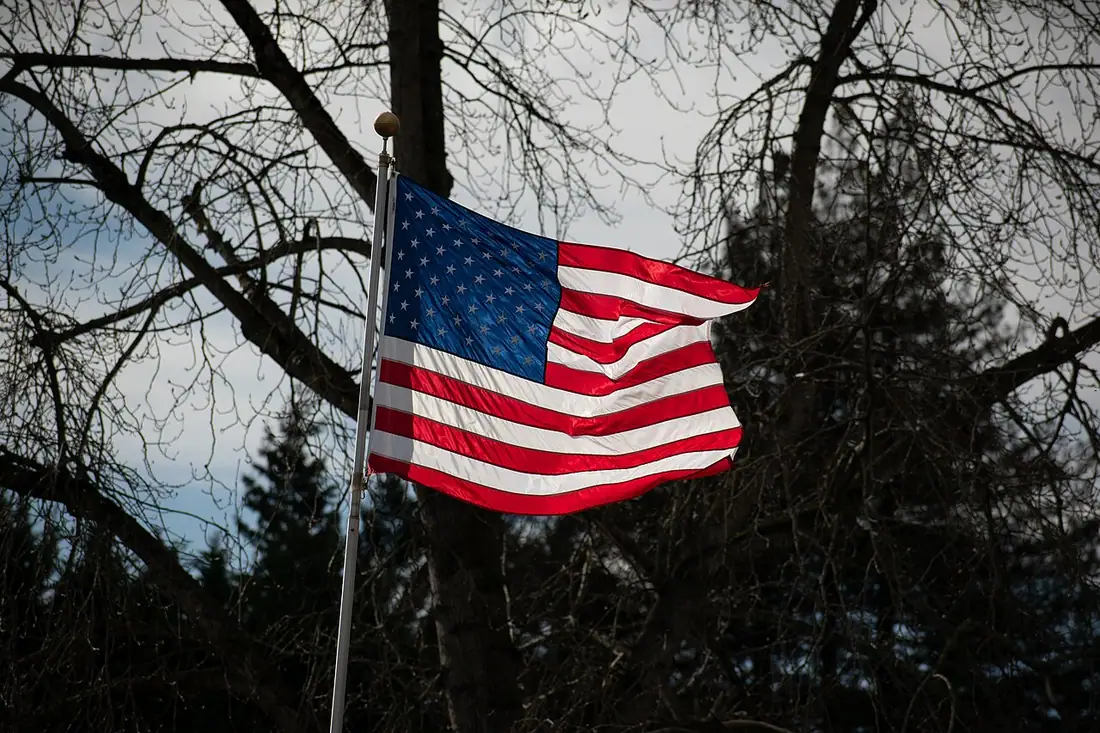
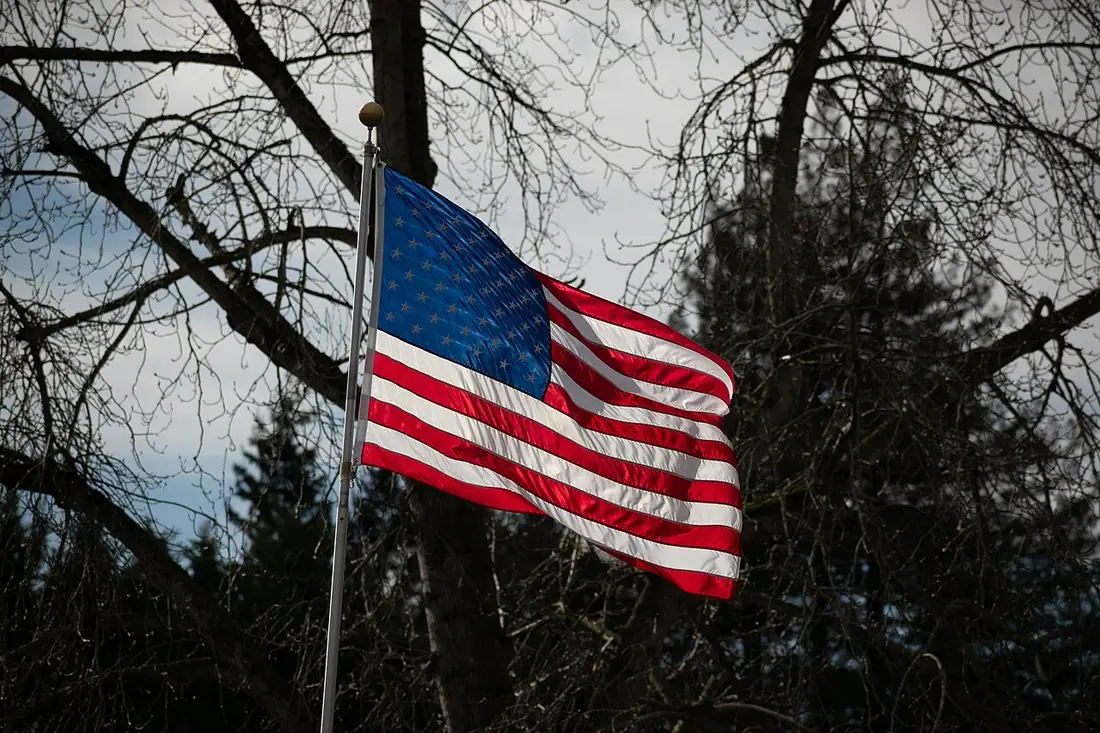
The quick one is a displacement map in a raster editor:
- Export the flat design as a PNG at twice the size of the final picture.
- Find or shoot a photo of a plain pale flag waving on a pole.
- Make a greyscale copy of that photo and blur it slightly. That is your map.
- Apply the map to your flag layer so the pixels shift where the cloth folds.
- Put the greyscale copy back on top, set to multiply or overlay at low opacity, so the shadows sit in the same folds.
- Mask everything to the flag’s outline, then add the pole and the sky.
The second route is a cloth simulation in 3D software such as Blender. You make a plane, pin the hoist edge, add wind, and use your PNG as the texture. It looks the best and takes the longest.
The third route is to print the flag and photograph it. That shows what the fabric actually does to your colors, which no mockup predicts.
One thing to watch: folds eat detail. Thin outlines and small text disappear in a wave. If the mockup looks mushy, the real flag will too.
Transparent backgrounds and odd flag shapes
Export a PNG with a real alpha channel when you need the background gone, then check the result against a dark color rather than white. A sloppy cutout hides a pale fringe on white and shows it plainly on navy.
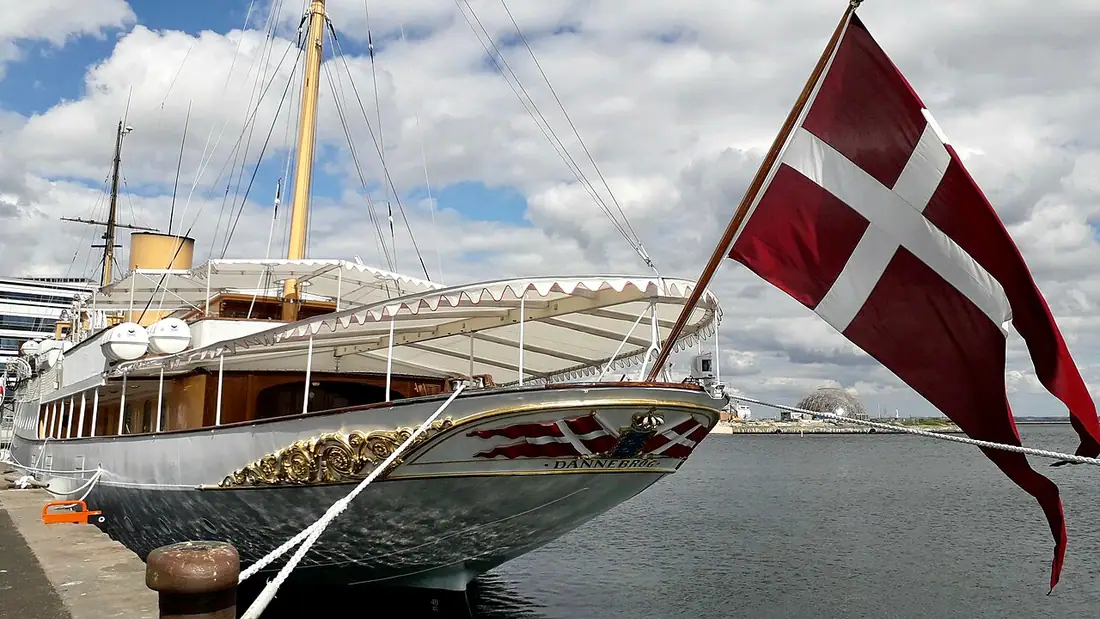
Not every flag is a rectangle. Swallowtails, pennants and the double pennant of Nepal need the shape itself cut out. A PNG with alpha handles that for screens. For anything a machine cuts or stitches, send an SVG where the outline is a real path. Starting from one of the blank flag shapes and grids keeps those edges clean from the beginning.
Using your flag as a wallpaper or avatar
For a wallpaper, export the flag at its true ratio and place it on a background in one of its own colors. Centre it, leave some breathing room, and do not stretch it to fill the screen.
For an avatar, remember that most sites crop to a square and many then mask it to a circle. The corners get cut, so a badge in the canton can lose its outer edge. Either crop to the central charge or rebuild a square version of the design. Since the flag maker is free to use, a second square export costs you nothing.
What a printer will ask you to send
- Final pixel dimensions, at the exact ratio of the flag size you ordered
- A format they accept, usually PNG, PDF or TIFF
- RGB or CMYK, whichever they specify
- Bleed, if they expect you to add it rather than doing it themselves
- Single or double sided, since a single sided flag mirrors on the back
- Outlined text in any vector file, so a missing font cannot substitute itself
- Color references if the exact shade matters, often a Pantone number
Try it in Flag Maker
Open Flag Maker on the home page, build the design, then export a PNG for the web and an SVG to keep for later edits. Shrink the PNG to thumbnail size and look at it once more before you send anything to a printer.
Frequently asked questions
Should I download my flag design as a PNG or an SVG?
Use a PNG for screens, social posts and most flag printers, since it is a fixed grid of pixels with real transparency. Use an SVG when the design is flat shapes and stripes and you want one file that stays sharp at any size, or when a cutter or embroidery machine needs a real outline. Export both if the editor lets you.
What size should I export a flag design PNG?
Work backwards from where it goes. A 3 by 5 foot flag is 36 by 60 inches, so 150 pixels per inch is a 5400 by 9000 pixel file, and many shops accept 100 pixels per inch. For screens, 1920 by 1080 suits a wallpaper and 1024 or 2048 square suits a game texture. Printers set their own minimum, so ask.
How do I make a waving flag mockup?
Three ways. Apply a displacement map in a raster editor, using a blurred greyscale photo of waving cloth to push your flat PNG into folds, then overlay the same greyscale for shadows. Or run a cloth simulation in 3D software and use the PNG as a texture. Or print the flag and photograph it, which shows what fabric really does.
Can I use my flag design as a wallpaper or avatar?
Yes. For a wallpaper, export at the flag's true ratio and set it on a background in one of its own colors instead of stretching it to fill a 16:9 screen. For an avatar, expect a square crop and often a circular mask, which clips the corners, so crop to the central charge or build a square version.